Real-time run feed
Watch workflow executions appear in real time as they happen. Each card shows the workflow name, trigger source, duration, and pass/fail status. Clicking any card opens the full step-by-step trace.
Dashboard
The Hobartlink dashboard gives every team member a live, role-appropriate view of automation performance, errors, and throughput — without digging through logs.
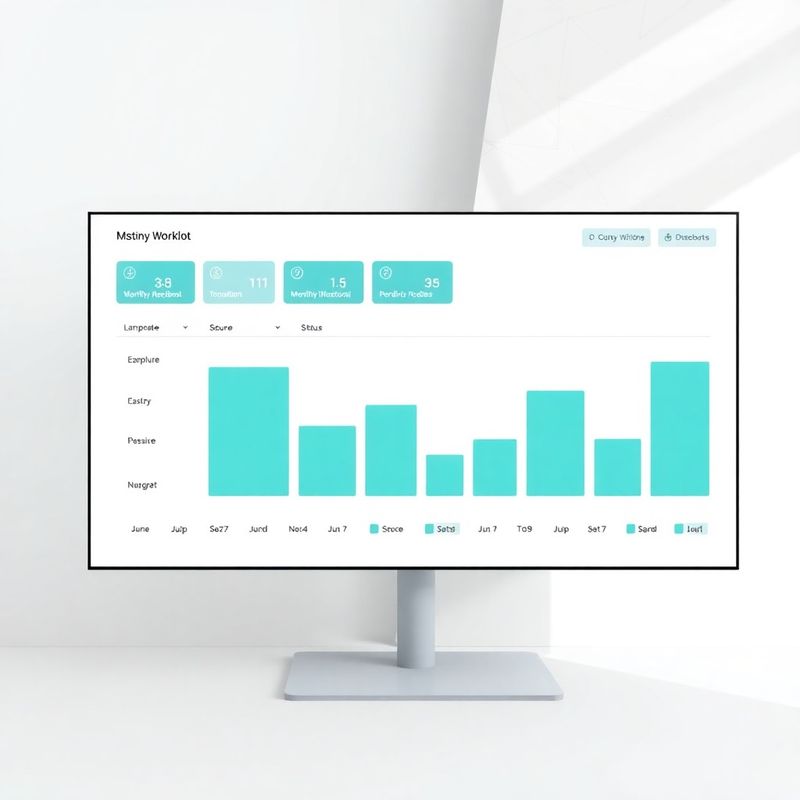
Every time a workflow runs on Hobartlink, the event is logged: which trigger fired, which steps completed, how long each step took, and whether any errors were raised. The dashboard surfaces this in three tiers: a high-level health summary at the top (green, amber, red status per workflow), a timeline view showing run frequency across the past 30 days, and a drill-down panel where you can inspect individual run logs down to the millisecond. You can filter by workspace, by connected app, or by team member who owns the workflow. The teal-modern colour coding used throughout makes healthy, warning, and failed states immediately distinguishable at a glance — no legend required.
Designed for operations managers who need signal, not noise.
Watch workflow executions appear in real time as they happen. Each card shows the workflow name, trigger source, duration, and pass/fail status. Clicking any card opens the full step-by-step trace.
Set threshold rules — for example, 'alert me if any workflow fails more than 3 times in an hour' — and receive instant notifications via email, Slack, or PagerDuty.
Export any dashboard view as a CSV or push it directly to Google Sheets, Power BI, or Tableau. Schedule weekly performance digests to land in your inbox every Monday morning.
The Hobartlink dashboard is a monitoring and observability layer — it doesn't redesign your underlying business processes. If a workflow is poorly structured, the dashboard will show you that it's failing frequently, but fixing the root cause (usually the workflow logic or the source data) is still your team's job. Similarly, historical data is retained for 90 days on the Standard plan and 365 days on Pro and Enterprise; if your compliance requirements need longer retention, speak to our team before signing up so we can confirm the right plan. The dashboard also doesn't replace a dedicated data warehouse for analytics at scale — it's built for operational monitoring, not bulk data querying.
Connect your first app in under 5 minutes during your free trial.